Donation Web app
Designing a Seamless Donation Flow for DonationApp
ROLE
Lead UX Designer
EXPERTISE
Figma, Adobe XD, Usability Testing, Personas, Responsive Design
YEAR
2023

Overview
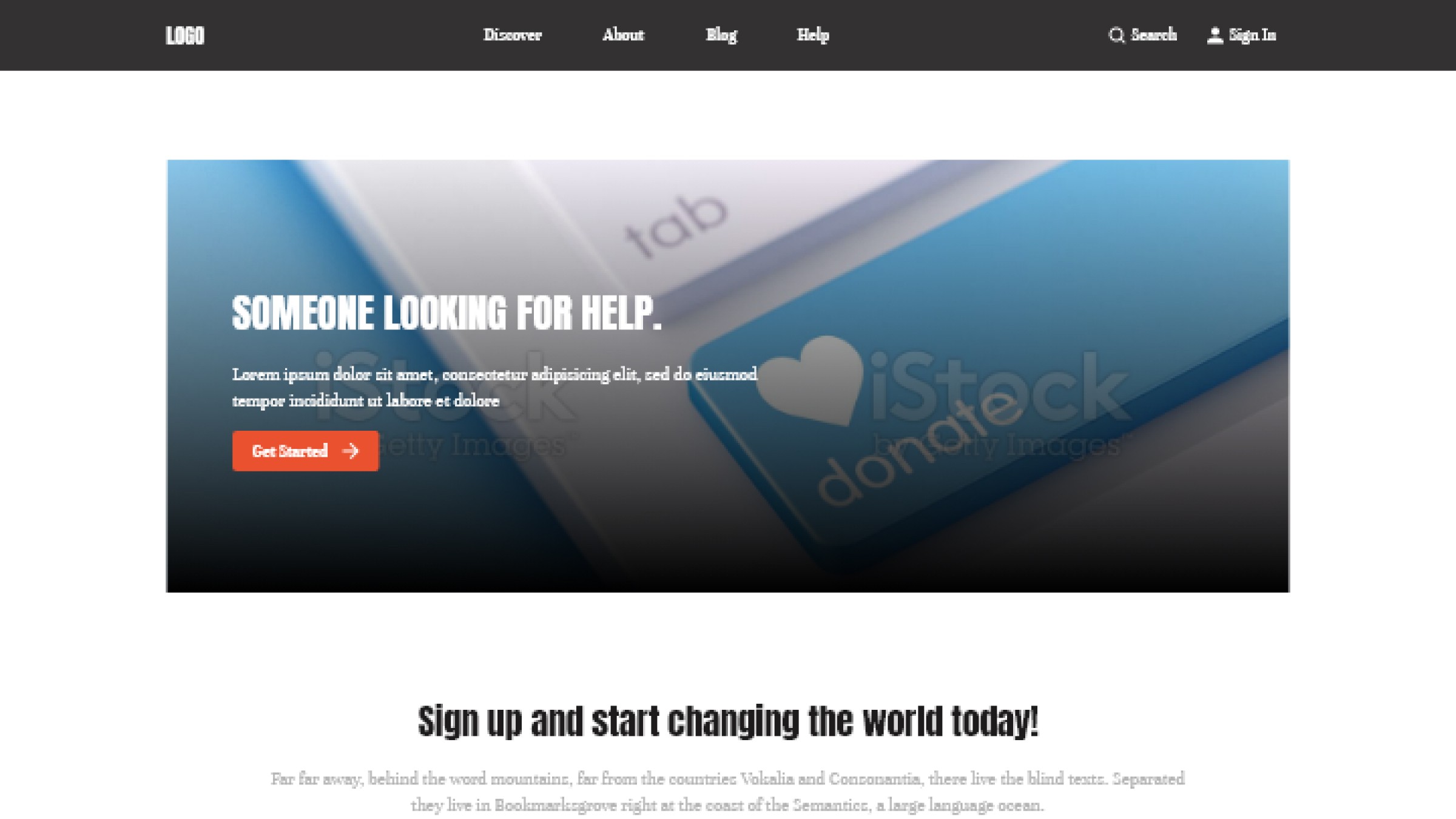
This case study documents the redesign of the donation flow for DonationApp, a web-based platform aimed at facilitating charitable giving. The objective was to create a donation experience that minimizes friction, builds donor confidence through transparency, and encourages repeat contributions.
The Problem
Many donors drop off mid-donation due to confusing forms, lack of clarity about what their money does, and no way to track impact.
The Goal
Build a donation flow that:
Reduces steps to donate
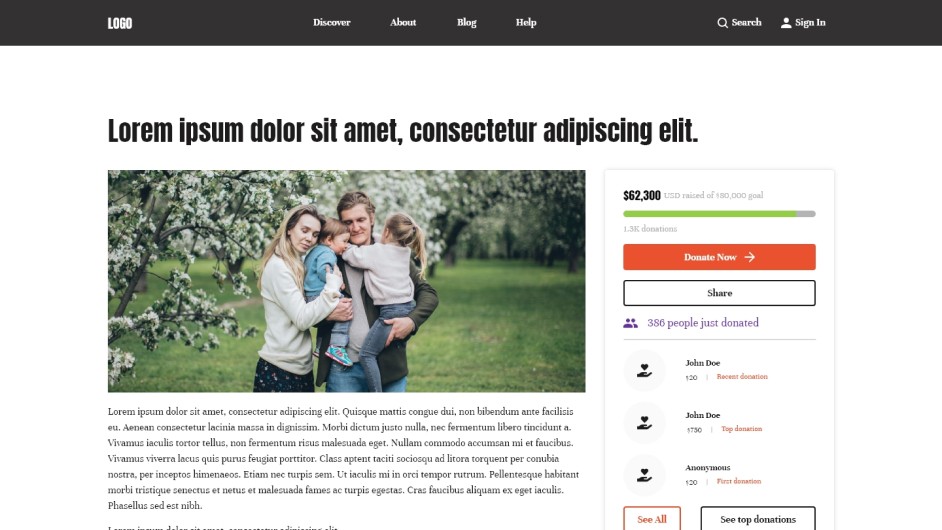
Clearly shows usage of funds
Allows recurring donations and favorites
Lets users see impact or stories from their contributions
Understanding the User
Online surveys with 30 donors; in-depth interviews with 5 regular vs first time donors.
Key Pain Points
Donors feel unsure about where money goes.
Too many fields & unclear form labels → high drop-off.
Users want optional monthly giving.
Reading impact stories or updates keeps them connected.
Persona
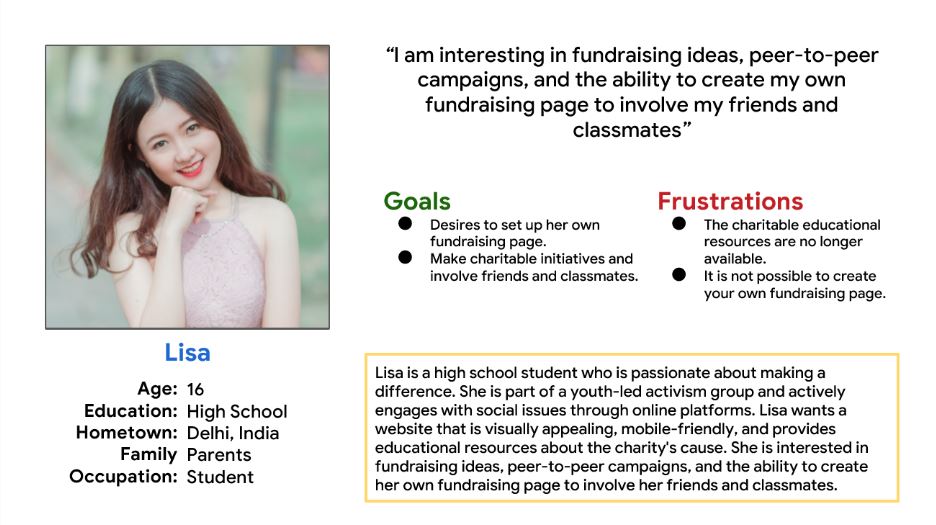
Lisa – working full-time, wants to support causes but limited free time. Needs fast, trustworthy, emotionally resonant donation experience.
Goal
Organize fundraising with her classmates.
Problem Statement
Lisa needs an easy way to create her own donation page and share it with peers.
Design Process
Sitemap
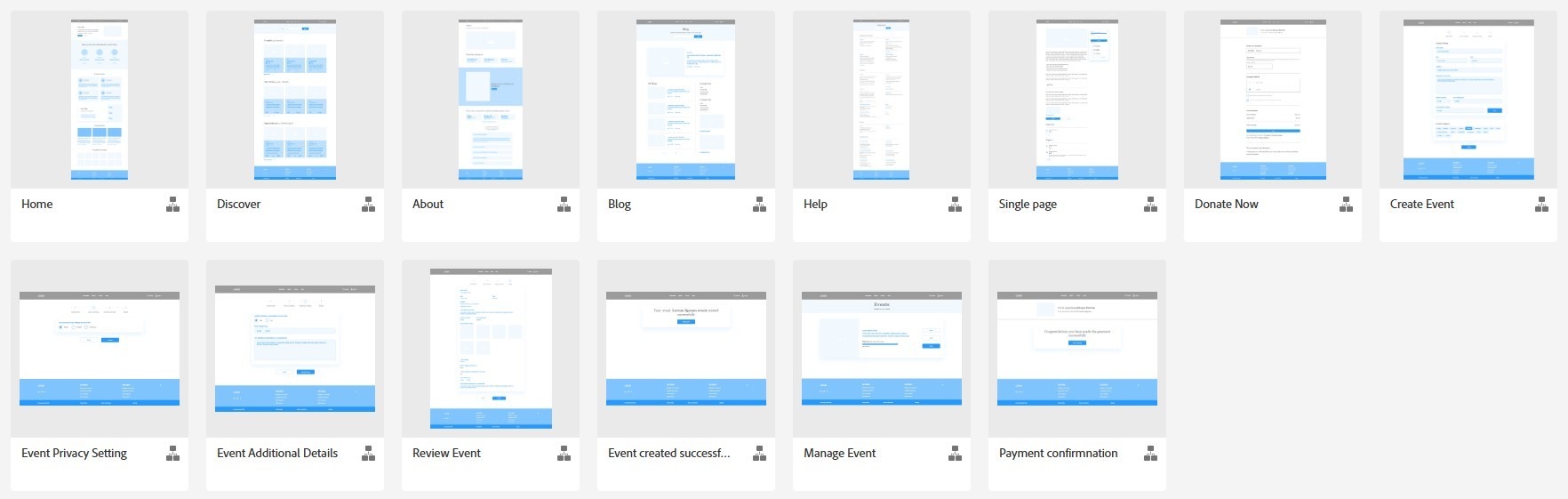
Built to reduce navigation friction and guide donors smoothly toward completing their contribution.
Wireframes (Paper & Digital)
Focused on intuitive navigation and streamlined checkout.
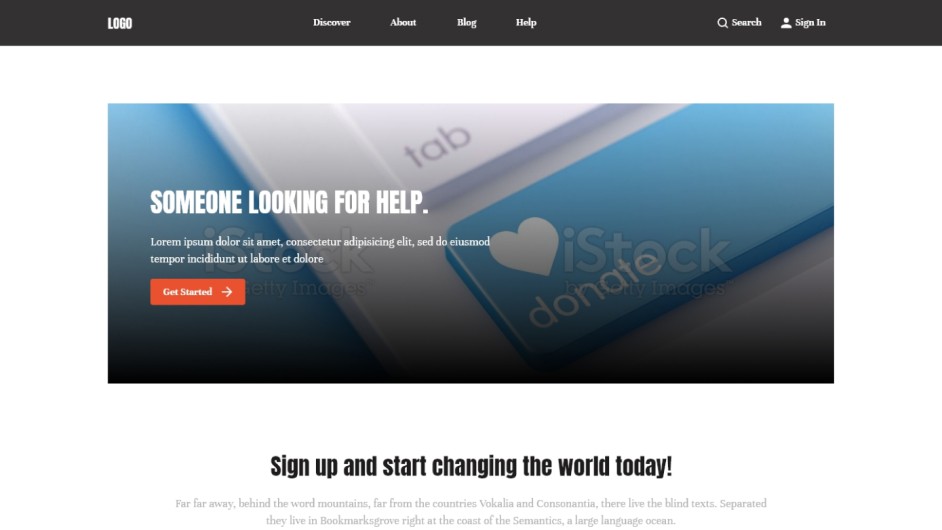
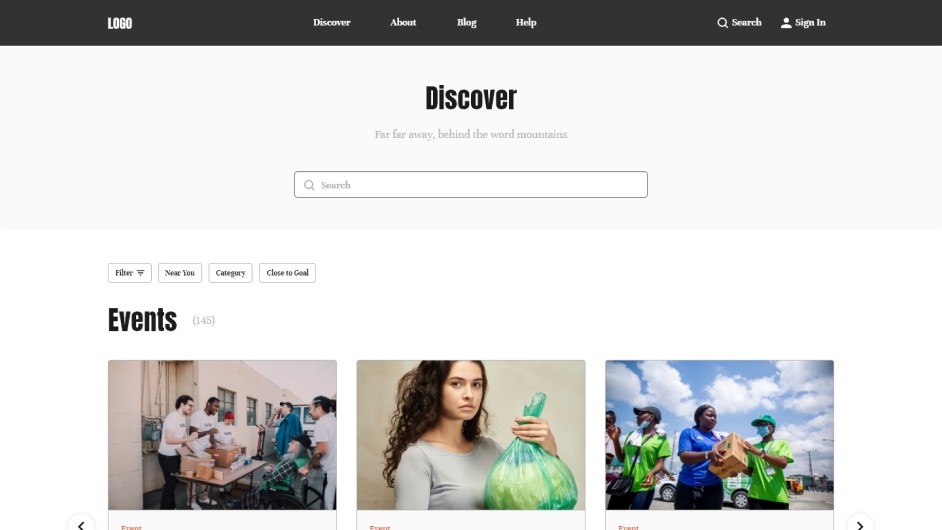
Prioritized placement of call-to-action buttons and donation categories.
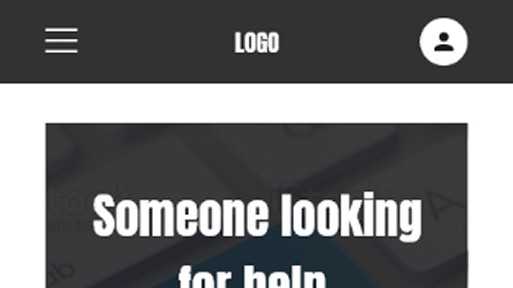
Designed variations for multiple screen sizes to ensure a responsive experience.
Low-Fidelity Prototype
Connected primary user flows—browsing, selecting a cause, and donating—for early usability testing.
Usability Studies
Parameters
Type: Remote, unmoderated
Participants: 5 (U.S.-based)
Length: 20–30 minutes
Findings
Donors wanted greater clarity and transparency on how funds are used.
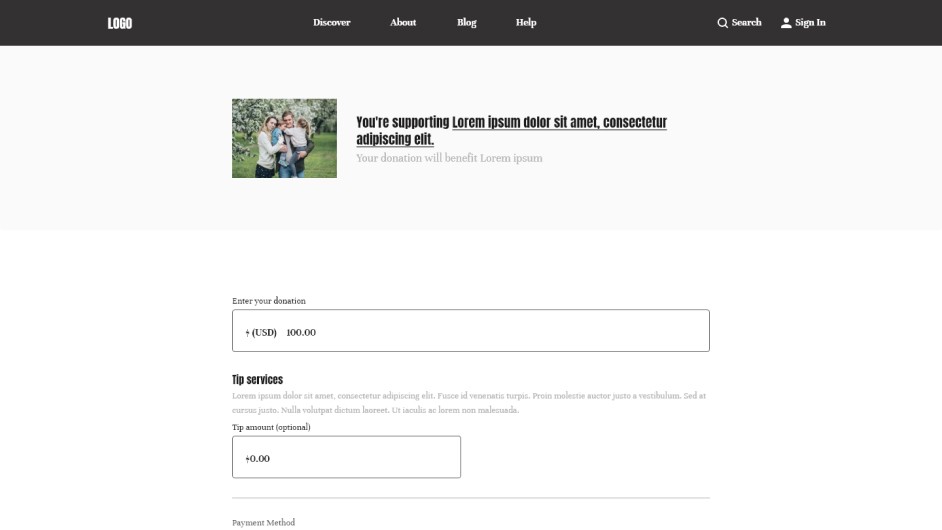
The donation form was perceived as too long; users requested simplification and progress indicators.
Participants valued multiple donation options (one-time, recurring, custom).
Refining the Design
Mockups
Added advanced customization options on the food detail screen.
Integrated “Track Order” screen to show real-time updates.
High-Fidelity Prototype
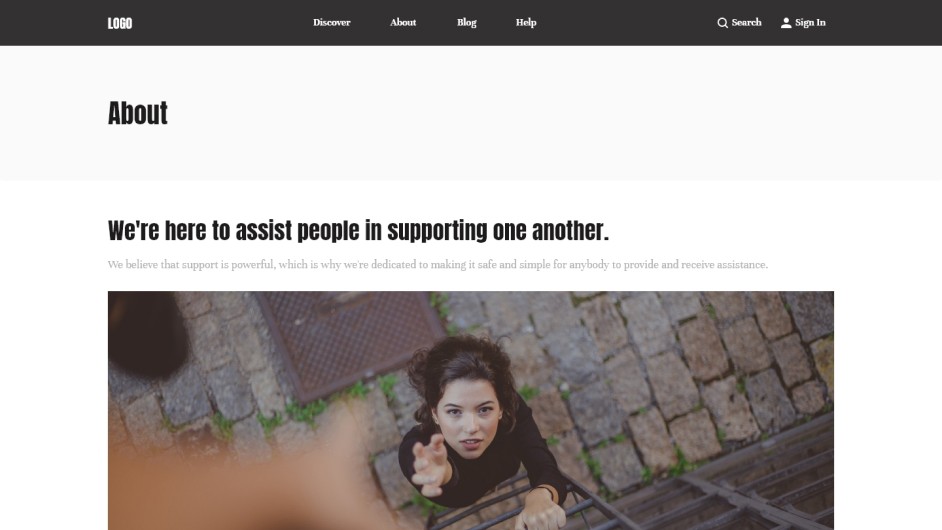
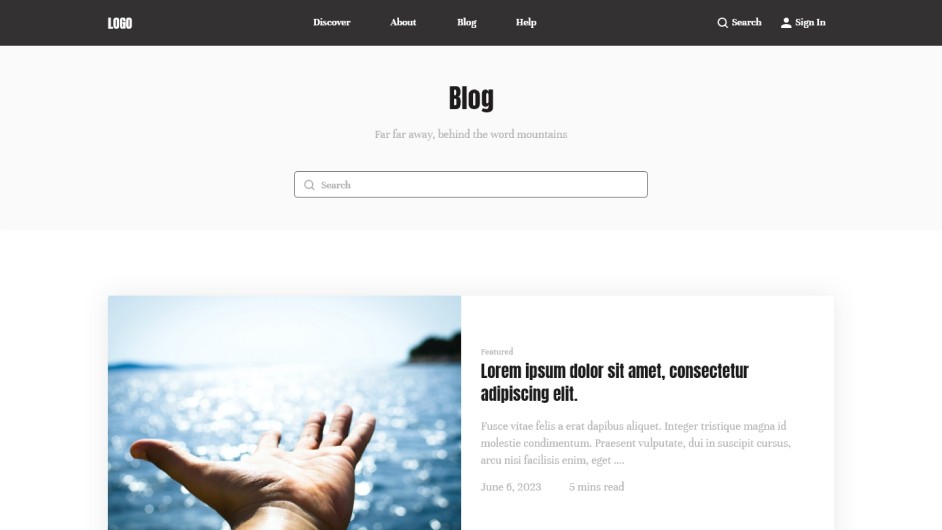
Integrated usability feedback to deliver a smoother, trustworthy, and engaging donor flow.
Accessibility Considerations
Clear heading hierarchy for easy scanning.
Alt text for images and captions for videos.
Plain, jargon-free instructions for completing donations.
Full compatibility with screen readers and assistive technologies.
Takeaways
Impact:
Users found the design intuitive, visually engaging, and easy to navigate. Transparency and clarity improved donor trust and confidence.
What I Learned:
Even small design changes—like clearer donation categories or a simpler form—can significantly improve user confidence and experience. Always prioritize real user needs when designing flows.